How To Connect Your HR (HRIS) System
Connecting your HR system to SaaSi Hub allows employee information to be synchronised with your SaaS management environment. This helps SaaSi Hub understand the people within your organisation and connect employee information with the SaaS applications and licences they use.
Once connected, changes to your employee information can be reflected in SaaSi Hub, helping maintain a more accurate view of your SaaS environment and supporting processes such as employee offboarding.
What Does the HR Integration Do?
Your HR system (BambooHR, Gusto, Zoho People, Factorial HR, Personio etc) provides the employee information that SaaSi Hub uses to build a connection between your workforce and your SaaS environment.
Depending on the HR integration, information such as employee names and company email addresses can be synchronised. This allows SaaSi Hub to match employees with accounts and licences across connected SaaS applications.
The information available can vary depending on the HR system and the specific integration.
How To Connect Your HR System
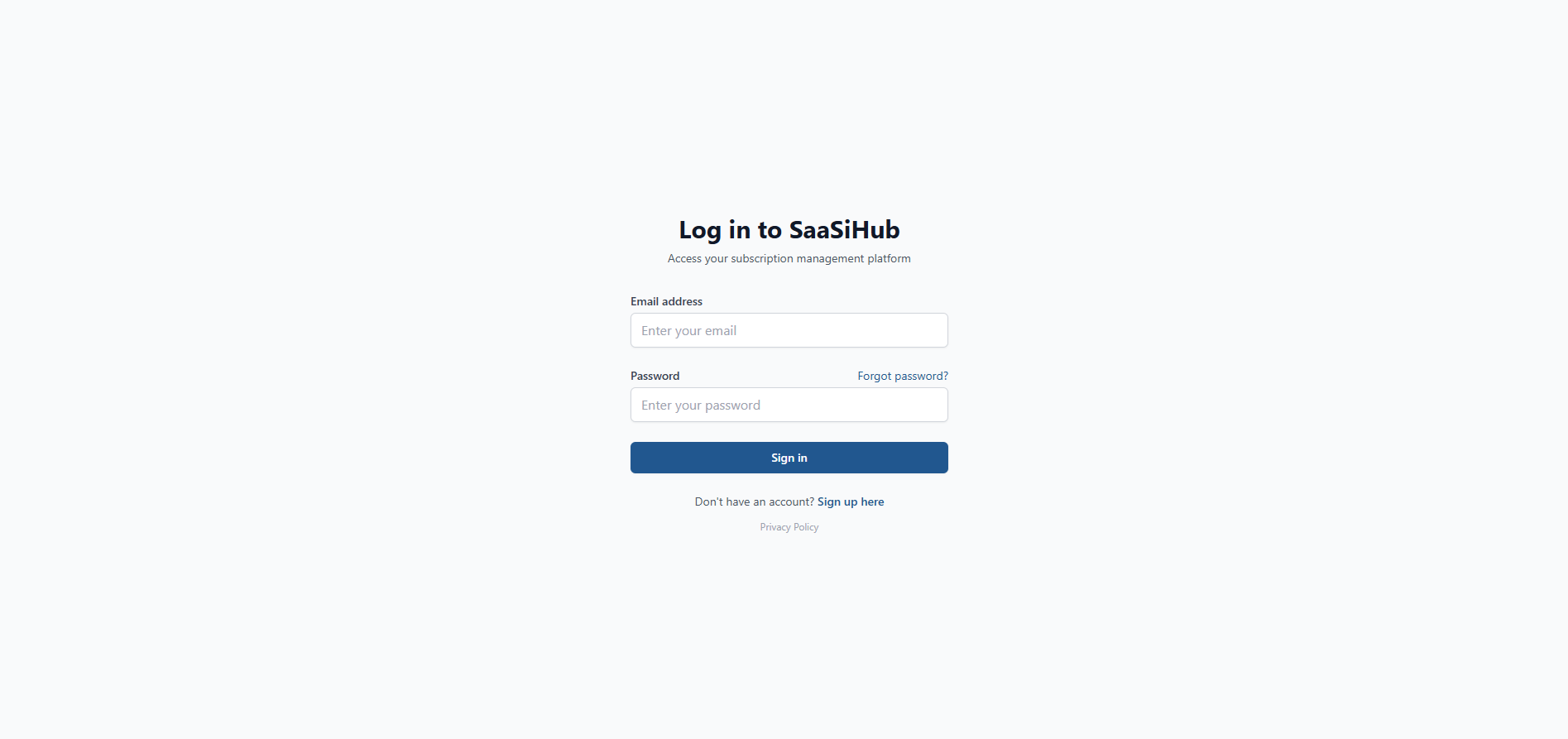
1) Head over to your SaaSi Hub account or login here (opens in new window).
2) Navigate to the “Configuration” heading within your dashboard, located on the left hand side and press the small arrow next to it to open up the full configuration navigation menu.

3) Click on the “HRIS Integrations” navigation link.

4) You’ll see a list of ready to connect auto-integration HR systems, scroll down to see them all. You can use the search bar to find a specific SaaS brand. Simply click on the primary HR platform that your business uses, that you’d like to integrate into your SaaSi Hub dashboard.

5) Select your HR system from the list and follow the prompts to allow access.

Your HR system will now sync to the SaaSi Hub platform in the background and your employees will start to be collated within the Employees section of your Dashboard.
What Happens After Connecting?
Once connected, SaaSi Hub can synchronise the employee information made available by your HR system. This information can then be used alongside your connected SaaS applications to help identify which employees are associated with particular applications and licences.
For example, when an employee leaves your organisation, the change can be reflected in SaaSi Hub, allowing the relevant SaaS subscriptions and licences to be reviewed. For more information, see how SaaSi Hub handles employee offboarding.
How Often Is Employee Information Updated?
The HR integration is designed to keep employee information synchronised with your connected HR system, reducing the need to manually update employee records within SaaSi Hub. The exact synchronisation behaviour can depend on the HR integration being used.
What If My HR System Isn’t Supported?
SaaSi Hub supports a range of HR system integrations, but not every HR platform will necessarily have an available connection. If your HR system isn’t currently supported, you can still use SaaSi Hub to manage your SaaS environment through its available SaaS integrations and self-integration (manual) functionality.
If you’d like to see a particular HR system supported, you can also contact the SaaSi Hub team to request an integration.
Why Connect Your HR System?
Connecting your HR system helps bring your employee information into the wider SaaS management environment, allowing SaaSi Hub to connect people, applications and licences. This can help reduce manual administration, improve visibility and make it easier for teams to identify software associated with employees when workforce changes occur.
In short, connecting your HR system gives SaaSi Hub the employee information it needs to provide a more complete view of how your organisation’s people and SaaS applications are connected.