
How Shadow IT Works & Utilising Our Discovery Feature
Shadow IT refers to software subscriptions and tools that are being used within your organisation without central visibility or approval from IT or finance teams (tools and software that an employee has purchased on their own accord with a company card). These subscriptions are often purchased through expenses, company cards, or individual accounts, making them difficult to track using traditional methods.
Over time, Shadow IT can lead to unnecessary SaaS spend, duplicate tools across teams, and increased security risk, as organisations lose sight of what software is actually in use.
Shadow IT Discovery in SaaSi Hub
SaaSi Hub’s Shadow IT Discovery area provides tools for identifying SaaS applications that may not yet be part of your managed software environment.
The ‘Spend Scanning’ functionality can connect to supported accounting software and use expense information to automatically discover SaaS subscriptions. The available connections include platforms such as FreeAgent, QuickBooks, Xero, ClearBooks, Zoho Books, FreshBooks, Moneybird and Pennylane, while Sage can be connected through Auto Integrations.
Once accounting information has been connected, SaaSi Hub can identify SaaS-related spending and compare it with the software already being managed within the platform.
Initiating Shadow IT Within Your SaaSi Hub Account
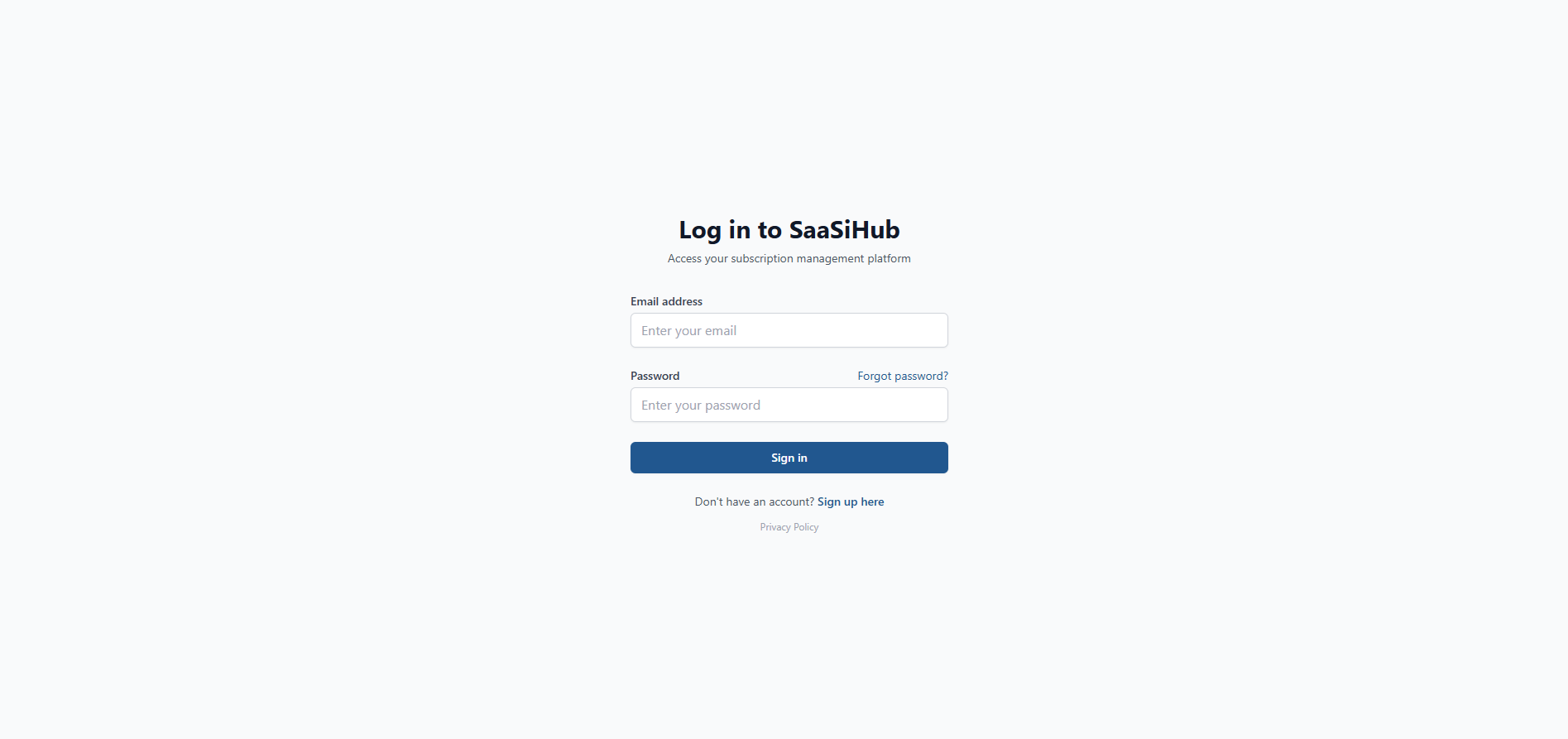
1) Head over to your SaaSi Hub account or login here (opens in new window).
2) Navigate to the “Insights & Tools” heading within your dashboard, located on the left hand side and press the small arrow next to it to open up the full configuration navigation menu.

3) Click on the “Shadow IT” navigation link.

4) Click on the “Connections” button located at the top right of the screen.

5) Find your organisations accounting software, and follow the prompts to connect it to your SaaSi Hub account.

Once accounting information has been connected, SaaSi Hub can identify SaaS-related spending and compare it with the software already being managed within the platform.
Reviewing Discovered Services
SaaSi Hub provides an ‘Active Services’ view where recognised tools can be reviewed alongside information such as their category, monthly spend, cost per licence, number of licences and management status.
This provides useful context when reviewing newly discovered software.
Rather than simply knowing that an expense exists, you can see the application alongside the information available about its subscription and management status.
The service list can also be searched and sorted, making it easier to work through a larger SaaS environment.
What Should You Do With a Discovered Application?
Finding an unmanaged application is the beginning of the review process rather than the end.
Once a tool has been identified, the relevant team can investigate:
- Who introduced or uses the application?
- Which department relies on it?
- Who should own the subscription?
- What is the organisation paying for it?
- How many licences are required?
- Is there an existing application that provides similar functionality?
The answers can then help determine whether the application should be formally managed, reviewed, ignored or otherwise dealt with according to your organisation’s processes.
Shadow IT Discovery works alongside the rest of SaaSi Hub rather than operating as a completely separate process. Once applications and subscriptions are identified, they can be considered alongside your wider SaaS information, including applications, employees, licences, departments, owners, costs and renewals. This helps move an organisation from simply discovering unknown software to establishing a more complete and manageable view of its SaaS environment.
In short, SaaSi Hub’s Shadow IT Discovery tools help uncover SaaS spending and applications that may otherwise remain outside your managed software environment, giving your teams the visibility they need to investigate and manage them.