How Alerts & Notifications Work & Customising Yours
SaaSi Hub can send automated email notifications to help you stay informed about important changes, costs and activity within your SaaS environment.
Rather than regularly checking the platform for updates, you can configure notifications to deliver useful information directly to the people who need it.
What Automated Alerts Are Available?
SaaSi Hub provides several types of automated notifications, covering both SaaS management and account security.
Daily Summary Report
The daily summary report provides a daily overview of your subscriptions, employees and costs, giving you a quick snapshot of your SaaS environment each morning. The report is scheduled for 8:00 AM daily. This can be useful for keeping key team members informed without requiring them to log into SaaSi Hub every day.
Wasteful Cost Alerts
Wasteful cost alerts highlight potential unnecessary SaaS spending, including situations where terminated employees still have active subscriptions. You can customise how frequently these alerts are sent and set a minimum cost threshold, meaning alerts are only sent when the identified wasteful spending exceeds the amount you specify.
Choosing Who Receives Notifications
You can add multiple email addresses to receive SaaSi Hub reports and alerts. Recipients can be added allowing different members of your organisation to receive the information relevant to them.
This can be particularly useful when SaaS responsibilities are shared between teams. For example, Finance may want visibility of costs and potential savings, while IT or Operations may be more interested in application and employee-related information.
Customising Individual Reports
SaaSi Hub also allows notification preferences to be managed at an individual recipient level.
The ‘Who gets what’ section allows you to turn individual reports on or off for specific recipients without removing them from other notifications. Recipients can also manage their own preferences from the footer of a report they receive.
Available report preferences include:
- Daily Summary
- Wasteful Cost Alerts
- Renewal Insights Digest
- Idle / Zombie User Report
- Custom Scheduled Reports
This gives you more control than simply having one set of notifications that everyone receives.
Security Notifications
SaaSi Hub also provides account security notifications for important security events. These include alerts for new logins from unrecognised devices or locations, multiple failed login attempts, password changes and unusual account activity patterns. A weekly security summary is also available.
Security notifications are handled separately from the SaaS management reports and are always delivered rather than being switched off through the recipient preferences.
How to Change Your Alert Settings
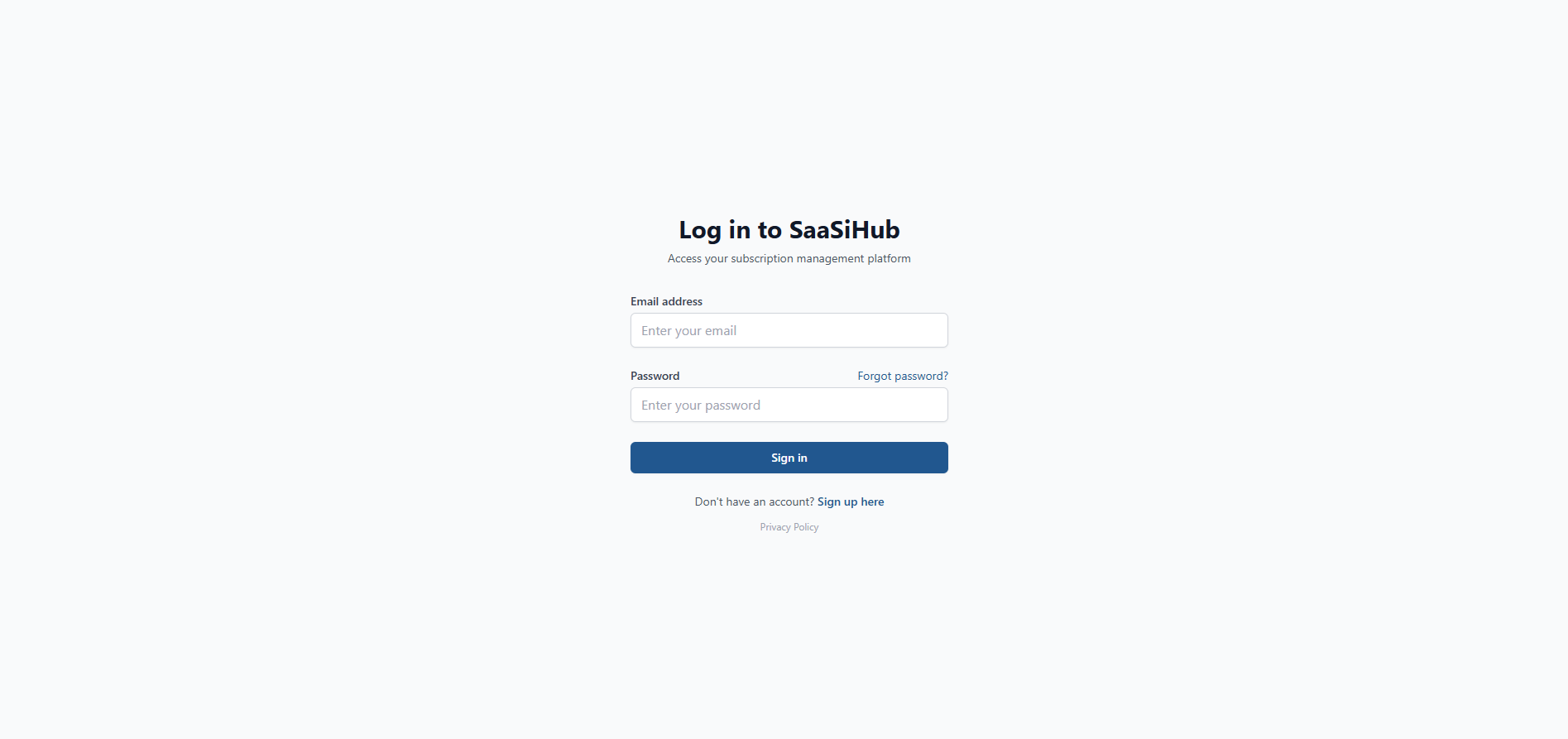
1) Head over to your SaaSi Hub account or login here (opens in new window).
2) Navigate to the “Configuration” heading within your dashboard, located on the left hand side and press the small arrow next to it to open up the full configuration navigation menu.

3) Scroll through the settings and options to customise the alerts and notification.
You can also use ‘Send Test Email’ to check your email configuration, or ‘Send Alert Now’ when you want to trigger an alert manually.
The aim of SaaSi Hub’s notification system is to make alerts useful rather than overwhelming. You can decide which people receive particular reports and adjust settings based on how your organisation manages SaaS. This means Finance, IT, HR, Operations and other teams can receive the information most relevant to their responsibilities without everyone having to receive every notification.
In short, SaaSi Hub’s automated alerts help bring important SaaS information to you, rather than requiring you to constantly go looking for it.